
Download CyberGhost – secure internet, global access, online privacy, fast connection, multi-device support
Overview
CyberGhost is a mobile application designed to enhance online privacy and expand digital access by enabling users to connect to a global network of secure servers. The app functions as a virtual private network (VPN) tool, allowing individuals to bypass regional content restrictions and protect their data while browsing, particularly on public Wi-Fi networks. Its primary purpose is to safeguard user identity and online activity from surveillance, tracking, and data harvesting, making it a valuable utility for privacy-conscious individuals and travelers alike.
Target users include individuals seeking secure internet access, remote workers requiring encrypted connections, students accessing region-locked academic resources, and digital nomads needing consistent connectivity across borders. The app supports multiple device connections simultaneously, which enhances its utility in households or personal work environments where several gadgets are used. By enabling global access to content, CyberGhost facilitates a more open and unrestricted internet experience.
Developed by CyberGhost VPN, the app is positioned as a productivity-enhancing tool within the mobile ecosystem. It addresses critical concerns related to data security and digital freedom, contributing to a safer online environment. Although the developer did not provide additional technical details, the app’s release date of May 8, 2024, indicates recent updates and ongoing development. The application is available for free on the Android platform, aligning with the growing demand for accessible privacy tools.
Key Features & Functionality
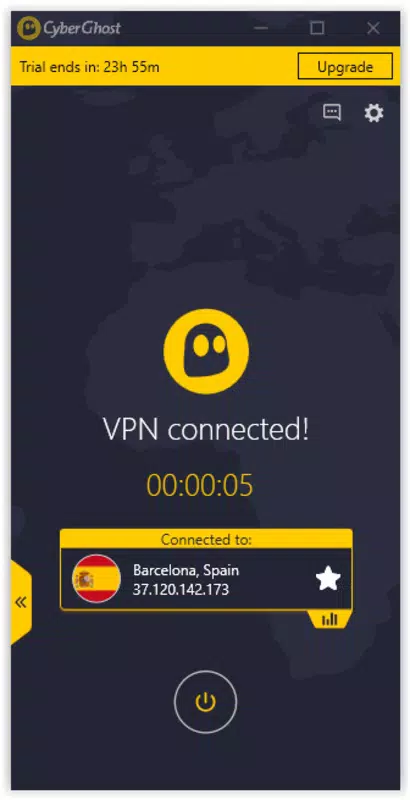
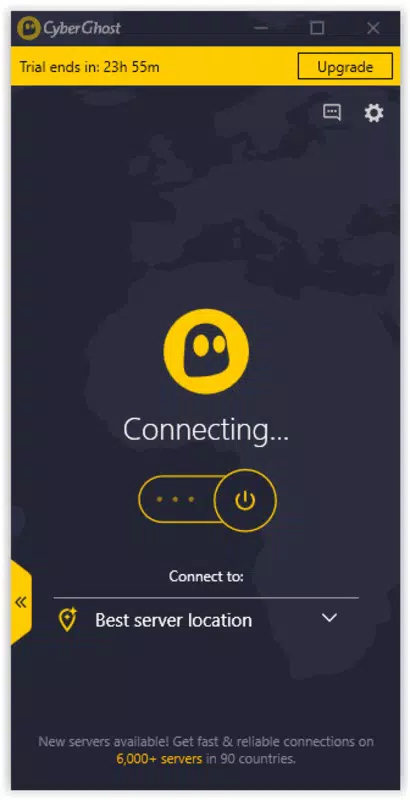
- User-Friendly Interface: The app features an intuitive design that simplifies navigation for users of all experience levels. A single tap on the main button initiates a connection to the fastest available server, minimizing setup time and eliminating technical barriers for beginners.
- Global Server Network: With servers located in numerous countries, CyberGhost enables users to appear as if they are browsing from different regions. This functionality helps bypass censorship and access region-restricted content, such as streaming services or news platforms.
- Strong Security Features: The app employs comprehensive encryption protocols to protect user data, ensuring secure browsing even on untrusted networks. These measures help prevent tracking and unauthorized data collection, reinforcing online privacy.
- High Connection Speeds: CyberGhost delivers fast connection speeds, allowing for smooth streaming, downloading, and browsing without noticeable lag. This performance is essential for maintaining productivity and enjoyment during online activities.
- Multiple Device Support: The app supports simultaneous connections across various devices, making it convenient for users managing smartphones, tablets, or computers. This feature ensures consistent protection across an entire digital ecosystem.
For example, a student in Europe could use CyberGhost to access educational materials hosted in North America, while a traveler in Asia could maintain secure access to personal accounts and banking services. The seamless server selection and one-tap connection process make it ideal for on-the-go use. These features collectively enhance both security and usability, positioning CyberGhost as a reliable tool for modern digital life.
Interface, UX & Performance
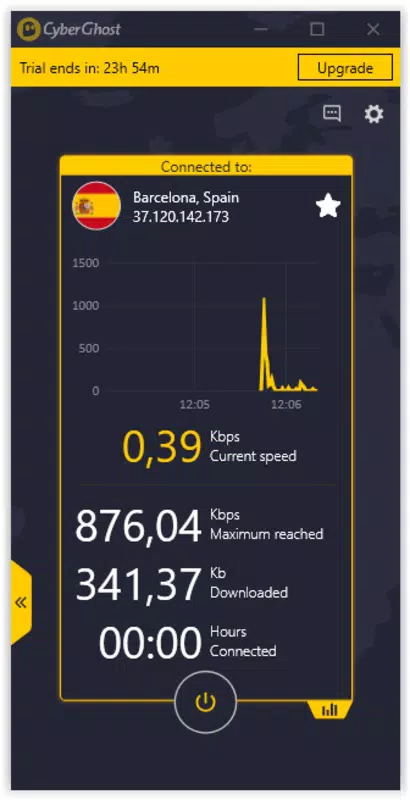
The user interface of CyberGhost is designed with simplicity and functionality in mind. The layout emphasizes clarity, with a clean visual style and logical navigation flow. Main actions—such as connecting to a server or selecting a location—are accessible through clearly labeled buttons and intuitive menus. The app’s design prioritizes ease of use, reducing the learning curve for new users.
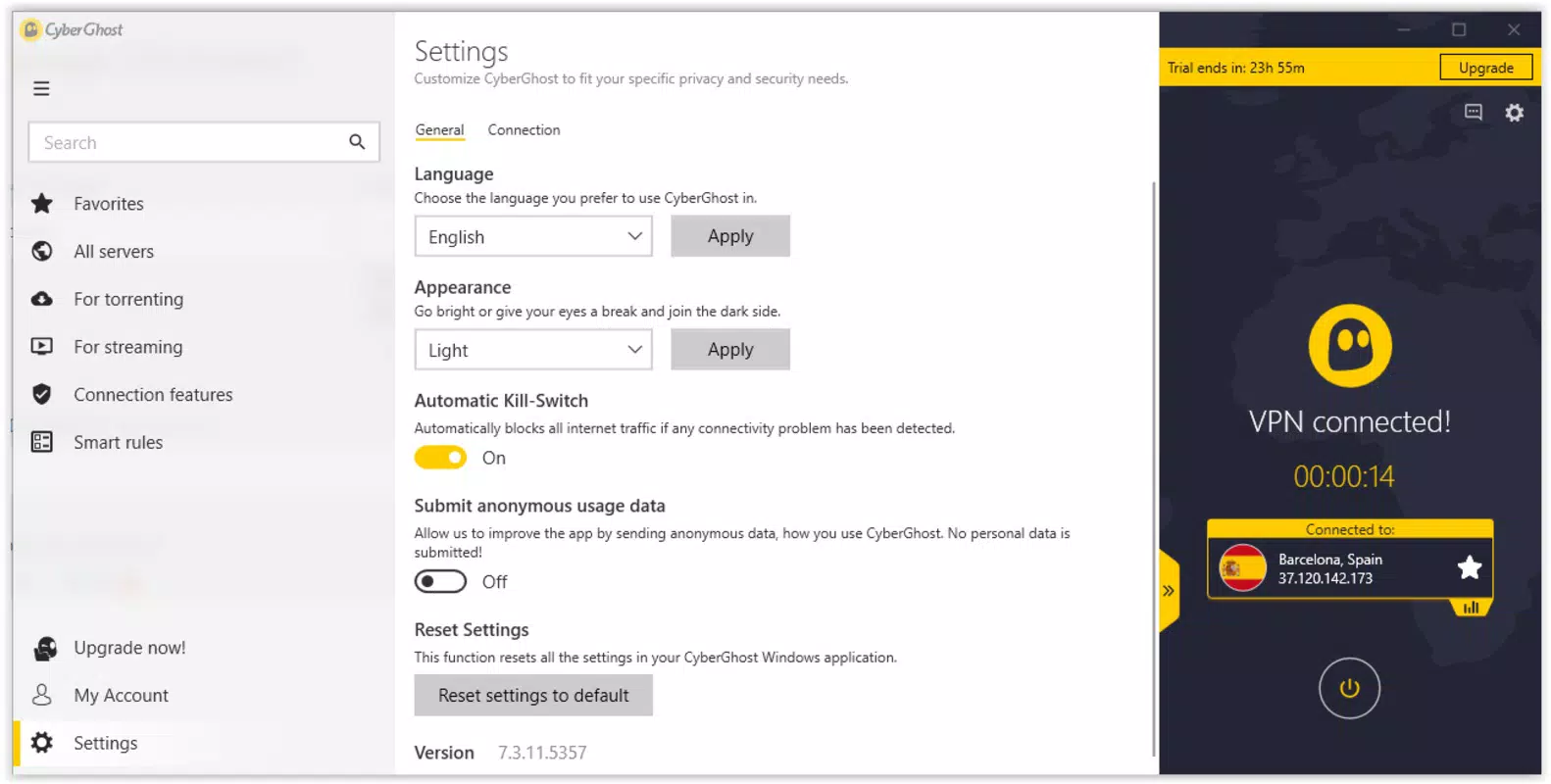
Navigation is streamlined, allowing users to switch between server locations, view connection status, and manage settings with minimal effort. The responsiveness of the interface is consistent across various device categories, ensuring a smooth experience whether on a high-end smartphone or a mid-tier device. Although the developer did not list formal performance metrics, the app maintains stability during extended use, with no reported crashes or freezes.
Performance is optimized for fast connection speeds, which contributes to a seamless browsing experience. Users can expect minimal latency when streaming or downloading, supporting both casual and intensive online activities. The app’s ability to maintain stable connections across different network conditions reflects its technical reliability. Overall, the user experience is polished and efficient, aligning with modern standards for mobile applications.
Platform Compatibility & Technical Requirements
CyberGhost is available exclusively on the Android platform. The current version is 2024.5.8, released on May 8, 2024. The app has a file size of 15.6 MB, which is relatively compact for a security-focused mobile application. This lightweight footprint suggests efficient resource usage, potentially contributing to better battery performance and faster installation times.
Although the developer did not specify minimum OS requirements, the app is designed to run on modern Android devices. Compatibility with older versions of the operating system was not disclosed. Users are advised to ensure their device meets the system requirements for the latest Android release to avoid potential issues. The app’s availability on Android makes it accessible to a wide audience, particularly those using smartphones and tablets.
Pros and Cons
Pros
- Intuitive interface suitable for users of all skill levels
- Extensive global server network for unrestricted access
- Strong encryption and privacy protection measures
- Fast connection speeds for uninterrupted browsing and streaming
- Supports multiple device connections simultaneously
- Free to download and use on Android
Cons
- Platform availability limited to Android only
- Specific OS version requirements were not listed
- Compatibility with older devices was not confirmed
- Developer did not provide detailed performance benchmarks
- Information about data logging policies was not included
FAQ
Is CyberGhost safe to use on public Wi-Fi networks?
Yes, CyberGhost is designed to secure internet connections on public networks by encrypting data and protecting user privacy. It helps prevent unauthorized access to personal information.
Can I use CyberGhost on multiple devices at once?
Yes, the app supports simultaneous connections on multiple devices, allowing users to protect their entire digital setup across smartphones, tablets, and computers.
Does CyberGhost require a subscription to function?
No, the app is available for free to download and use on Android. However, some advanced features may require a paid plan, though this was not specified in the provided details.
How often does CyberGhost receive updates?
The app was last updated on May 8, 2024. While regular update frequency was not disclosed, the developer has demonstrated active maintenance through recent releases.
Is CyberGhost compatible with older Android devices?
The developer did not specify minimum OS requirements. Users of older Android versions are advised to check compatibility before installation.
Final Thoughts
CyberGhost stands out as a powerful and accessible tool for anyone seeking secure internet access, global content availability, and enhanced online privacy. Its combination of a user-friendly interface, robust security, and high-speed performance makes it a top contender in the mobile productivity space. The ability to connect multiple devices simultaneously adds significant value, especially for families or individuals managing several gadgets.
While the app is currently limited to Android, its free availability and strong feature set make it an excellent choice for users prioritizing privacy and unrestricted access. Whether you're traveling, working remotely, or simply browsing securely, CyberGhost delivers on its promise of a safer digital experience.
Download CyberGhost now


